Sign in with lightning ⚡️
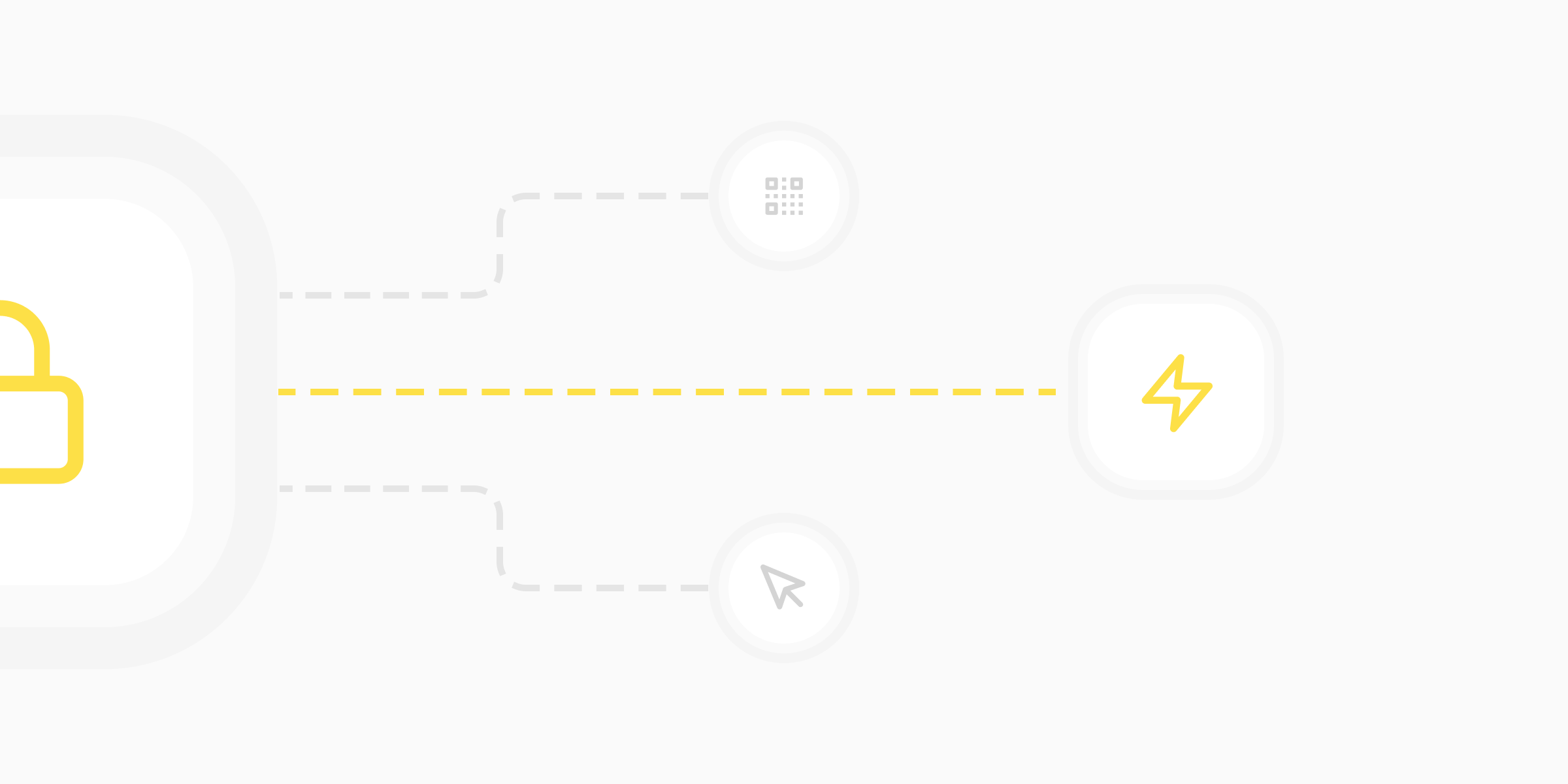
Most of today’s traditional Web 2.0 applications require users to create accounts before or whilst using their online services. This is usually done with an email + password combination, or perhaps some form of passwordless authentication method such as “Sign Up with Google”.
If you already have a maker profile on BOLT🔩FUN, you’ll have noticed that instead of using traditional authentication methods such as the ones above, we instead allow makers to “Sign in with lightning”. But what is lightning authentication, and how does it work?
How "signing in with lightning" works
Bitcoin’s lightning network, often shortened to “lightning”, is a second layer network that allows you to send bitcoin almost instantaneously, for free, and anywhere. It was built to solve criticisms bitcoin was facing around transaction speed, cost, and privacy issues with everyday payments. Lightning is a lightweight version of bitcoin with a slight difference in architecture, yet still the same old bitcoin.
Like bitcoin, the lightning network uses the same public-private key encryption protocol, which allows users to spend their coins from a wallet. But how does this relate to account creation and authentication?
Simply put, “Sign in with lightning” services allow users (more accurately, their wallets) to create anonymous account IDs by generating a new set of keys for each domain they interact with - a public key (username) paired and encrypted with a matching private key (password). This service avoids the use of emails and passwords entirely, helping users preserve the privacy of their online identities. Instead, users just have to download and setup a lightning wallet on their device, scan a QR or copy + paste it over, and away they go.
This is similar to approaches like Passkeys, which also look at replacing email & password combos with unique identifiers.
— Bitcoin.Design Guide
Which wallet should I use?
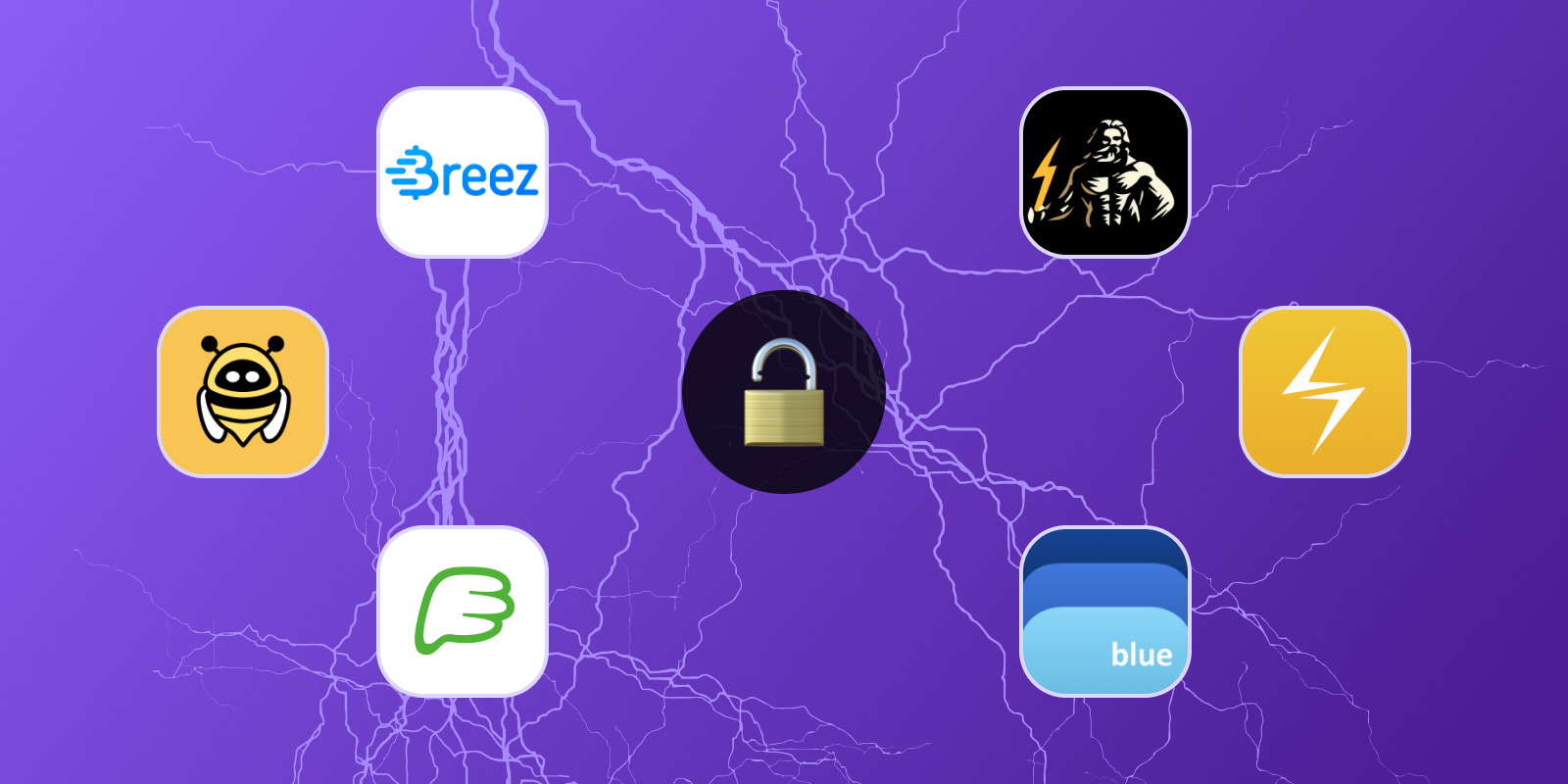
Makers can sign in using any lightning wallet that has LNURL-auth compatibility. Below are some of our favourites. Makers can sign in using any lightning wallet that has LNURL-auth compatibility. Below are some of our favourites. You can check out a full list of compatible wallets here.
Connect over the web 💻
Alby 🐝
Alby is a bitcoin wallet extension that lives in your web browser, giving you access to lightning fast payments and authentication. Alby uses WebLN to communicate between web app’s and users’ lightning nodes securely, allowing makers to authenticate their profiles with a click.
Connect from your mobile wallet 📱
First-time lightning user? Then, we recommend getting started with one of the following lightning wallets:
Breez 💨
Breez is a mobile lightning wallet, available on iOS and Android.
Phoenix 🦚
Another great lightning wallet, also available on iOS and Android.
Zeus 🌩
Zeus allows you to connect to, and control, your lightning node from your mobile device, making it more optimised for advanced users. Available on iOS and Android.
Blixt ⚡️
Another good lightning wallet for first time users, available on iOS and Android.
🔗 https://blixtwallet.github.io/
BlueWallet 🟦
Another good lightning and on-chain wallet for new users. Available on iOS and Android.

Maker @boltfun_btc 👾 | Designer @peakshift , formerly @fiat | Be the UTXO you wish to see in the world 🌎 #Bitcoin